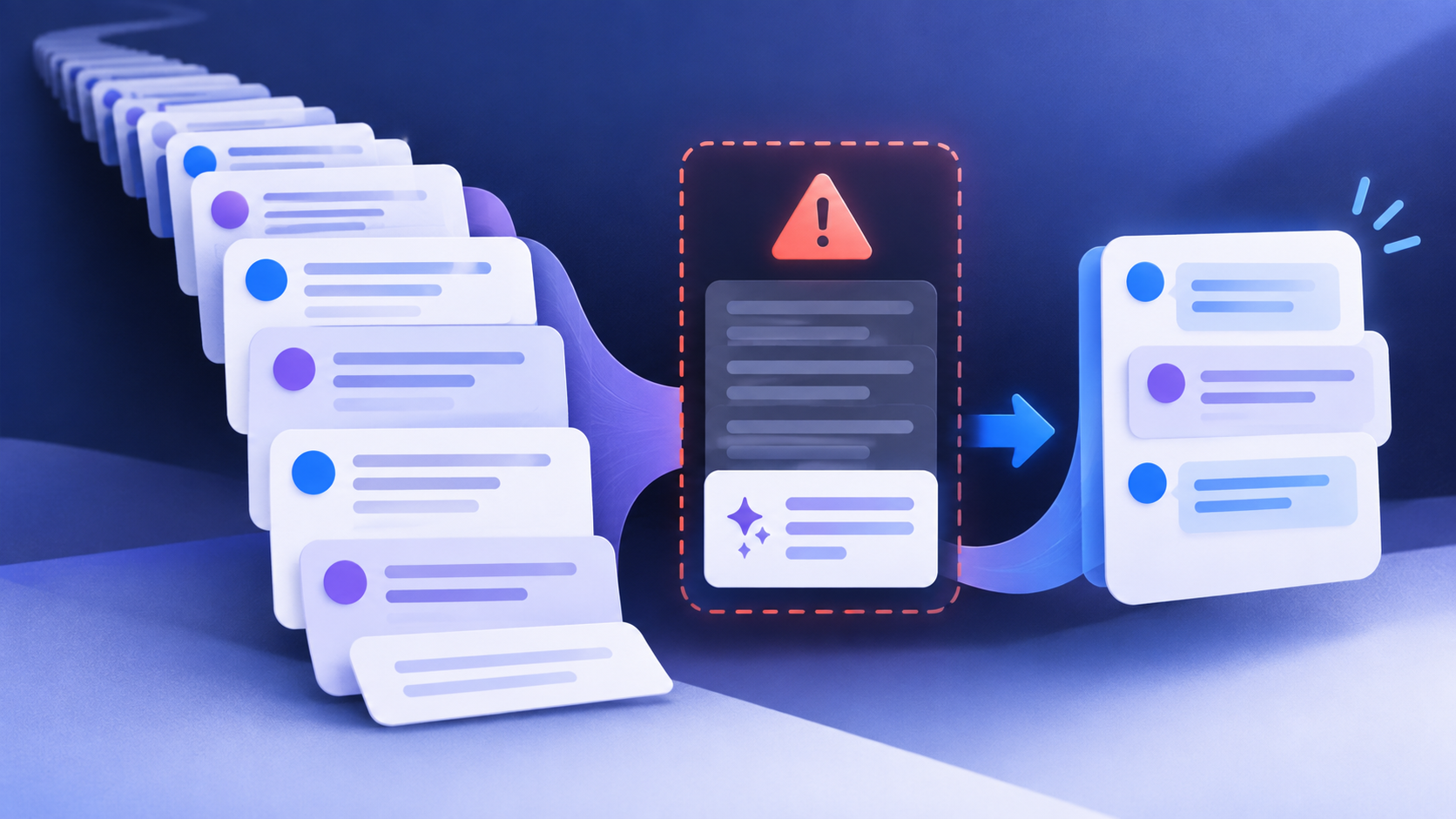
Claude conversation too long? First determine whether the failure comes from one oversized message, the chat’s context window, or a separate usage limit. Those conditions look similar but require different fixes. Shorten a single request when the input is too large; start a new conversation or use a focused project when the chat itself has become too deep; check Settings → Usage when the account has reached a five-hour or weekly allowance.
This guide explains the difference between Claude’s length limits and usage limits, how automatic context management changes the diagnosis, and how to continue important work without copying an entire conversation into a new chat.
Identify the limit before changing anything
Read the exact wording and the moment it appears. A message that fails before Claude begins processing is a different problem from a reply that stops after a long session.
| What you see | Most likely boundary | Best first check |
|---|---|---|
| “Your message will exceed the length limit for this chat.” | The new prompt, pasted text, or attachments are too large for the available input window. | Remove unnecessary files, split the material, or extract only the relevant sections. |
| A long chat stops accepting messages or becomes difficult to continue. | The conversation is approaching its context window or has reached an unusual edge case. | Check whether automatic context management is available, then start a focused continuation chat if needed. |
| “5-hour limit” or a weekly usage warning. | An account usage allowance, not a single-chat length limit. | Open Settings → Usage and read the meter and reset time shown for that account. |
| “Due to unexpected capacity constraints…” | Temporary system-wide load management. | Wait a few minutes and check Claude’s status page; changing the prompt will not fix a capacity event. |
Starting a new chat can solve a context problem. It does not restore a five-hour or weekly allowance. Conversely, buying usage credits or waiting for a reset does not make one oversized first message fit inside the context window.
What “conversation too long” means
A context window is the working space Claude can use for the current request. It includes the conversation material Claude must reference and a portion reserved for its response. The maximum depends on the selected model and plan; paid plans can expose models with different 200K, 500K, or 1M-token windows. The largest advertised number is not a promise that every chat surface, model, or account has that capacity.
Claude’s current help guidance separates length limits from usage limits. Length limits concern how much information can be processed in one chat. Usage limits concern how much you can interact with Claude across a time period, and are affected by conversation complexity, model, features, and effort level. Files, web search, extended thinking, and connected tools can make a request materially heavier even when the visible prompt is short.
The quickest recovery sequence
1. Preserve the useful state
Before closing or abandoning the chat, ask Claude for a compact handoff containing the objective, confirmed facts, decisions, constraints, open questions, file names, and the next action. If Claude can still reply, ask it to separate verified facts from assumptions. Do not copy private credentials, API keys, payment details, or full confidential documents into the handoff.
2. Reduce the next request
When the error appears before a reply starts, remove material that does not affect the immediate decision. Replace a complete log with the relevant time range and the first error plus its surrounding lines. Split a large report into sections and process one section at a time. For a spreadsheet, export the rows needed for the question instead of attaching every historical tab.
3. Remove expensive context sources
Review project files, long project instructions, connected apps, and tools that are not needed for the next step. Anthropic notes that projects can use retrieval to load only relevant material, while tools and connectors are token-intensive. A focused project with short instructions is usually more reliable than attaching the same archive to every chat.
4. Continue in a new chat with a handoff
If the existing thread still cannot accept a message, open a new conversation and paste a short handoff. Add the original source file only when the next step truly needs it. Treat the handoff as a navigation aid, not as a perfect transcript: verify dates, numbers, filenames, and decisions against the source material before acting on them.
5. Check code execution and automatic context management
For eligible paid plans with code execution enabled, Claude can summarize earlier parts of a long conversation as the context window fills. The full chat history remains available for reference after summarization. If the feature is unavailable, disabled, or the first message is exceptionally large, a length error can still occur. A summary keeps a conversation moving; it does not remove the model’s fixed context boundary or make an unlimited amount of work free.
A practical handoff template
Use this template when a long working session needs to continue elsewhere. Replace the bracketed text and remove anything sensitive.
Continuation brief

Goal:
[What the work must accomplish]

Confirmed facts:
- [Fact and source]
- [Fact and source]

Decisions already made:
- [Decision]

Constraints:
- [Compatibility, deadline, budget, or format]

Files and exact sections needed next:
- [File name and section]

Open questions:
- [Question that still needs an answer]

Next action:
[The single next step]

Do not assume that this brief preserves every detail from the previous chat.
Ask me to verify any important number or source before using it.
Two common examples
Example: a large first message fails immediately
You attach a large PDF and paste a second copy of its text, then ask for a complete rewrite. The error appears before Claude replies. This is an input-size problem. Remove the duplicate text, split the PDF by chapter, and ask for a plan before requesting a full rewrite. A new chat may help only if the original thread also contains a large history; it does not make the oversized upload smaller.
Example: a long tool-heavy project becomes hard to continue
A coding project has many prior tool calls, large logs, project files, and a long instruction block. Claude begins organizing the conversation or returns a length warning after a new task is added. Save the current state, trim unused project files and tools, and continue with a small handoff that names the exact files and tests. If the account instead shows a five-hour usage warning, follow the Usage meter rather than repeatedly opening new chats.
Length limits, usage limits, and file limits are different
| Limit type | What it controls | What can help |
|---|---|---|
| Input length | How much new text or file content can be accepted in one request. | Shorten, split, extract, or remove duplicate material. |
| Conversation context | How much of one chat can be used as working context for a reply. | Automatic summarization when available, a focused project, or a new chat with a verified handoff. |
| File or project limits | Per-file size, file count, project storage, or processing rules. | Use a supported format, smaller files, or the correct chat/project upload route. |
| Five-hour or weekly usage | How much the account can use Claude across conversations and supported surfaces during a time window. | Wait for the displayed reset, change the workload, upgrade, or use eligible usage credits. |
For file-specific problems, see Claude File Upload Failed? Supported Types, Limits, and Fixes. It covers chat versus Project files, supported formats, file counts, and privacy checks.
When waiting or buying credits is the right answer
Open Settings → Usage when Claude shows a five-hour or weekly warning. The account meter and reset schedule are more authoritative than a message-count estimate from another user. Claude’s usage is affected by the length and complexity of the conversation, the selected model, features, and effort, so a fixed “messages per reset” number is not reliable.
Usage credits can extend eligible paid-plan use, but they do not change the context window. If a short new chat also shows the usage warning, keep the handoff ready and wait for the displayed reset or use the account’s documented credit option. If only one oversized request fails, credits are not the relevant fix.
For the separate five-hour and weekly meters, see Claude Weekly Usage Limits Explained and Claude Usage Credits: Extra Usage, 5-Hour & Weekly Limits.
When to check status or contact support
Check Anthropic’s status page when the message says capacity constraints, when multiple unrelated chats fail, or when a small TXT upload fails in a new conversation. For a persistent length error, include the exact error text, approximate input size, whether files or tools were attached, the model and surface you used, and the time of the attempt. Avoid sending private documents, credentials, or full conversation exports unless support specifically requests them through its official process.
Frequently asked questions
Does starting a new chat reset Claude’s usage limit?
No. It can give you a clean context window, but five-hour and weekly usage limits apply across the supported Claude surfaces on the account.
Will Claude always summarize a long conversation automatically?
No. Automatic context management depends on the account, plan, model, surface, and code execution availability. Very large first messages and unusual errors can still hit a length limit.
Does a larger context window mean unlimited conversation?
No. A larger window lets a model reference more material in one request. The account still has usage limits, the response needs reserved space, and long tool-heavy work can consume more capacity.
Should I delete my old Claude conversation?
Usually no. Preserve the original chat while you create a smaller handoff. Delete or remove files only when you understand the retention and project impact and no longer need them.
What is the safest way to move a coding task?
Record the current goal, verified facts, changed files, tests already run, remaining failure, and exact next command. Keep secrets out of the handoff, and ask Claude to inspect the named files before making a change.
Related HiseHub guides
- How to Use Claude Projects: Knowledge, Files, and Instructions
- Claude Code Using API Credits Instead of Your Subscription?
- AI Usage Limits Explained Across ChatGPT, Claude, Gemini, and Grok
Official sources and review date
- Anthropic: Troubleshoot Claude error messages
- Anthropic: How large is the context window on paid Claude plans?
- Anthropic: How do usage and length limits work?
- Anthropic Claude status
Reviewed September 19, 2026. Claude’s plans, models, context behavior, file limits, and usage rules can change. Check the linked Anthropic guidance and the Usage screen for the account you are using.