Independent AI Help
Solve AI problems.
Choose better plans.
Practical fixes, current plan details, and clear comparisons for ChatGPT, Gemini, Grok, Claude, and the AI tools you use every day.
✓ Source-linked ✓ Regularly verified ✓ Plain-English answers
Browse by product
Get the answer for your AI tool
ChatGPT
Login, billing, Plus and Pro plans, file uploads, limits, and common errors.
Gemini
Google AI plans, regional availability, family benefits, storage, and troubleshooting.
Grok
Grok plans, X integration, usage limits, image features, and account problems.
Claude
Claude plans, usage limits, file uploads, Projects, and common account problems.
Start with the question
Three tools for the decision in front of you
Use the smallest useful tool first. Each one answers a different question and links to the evidence behind the result.
Capability
Which model fits this task?
Compare intelligence, coding, speed and task-cost signals before you choose a product.
Purchase
What does the plan cost here?
Check current App Store price records by country, currency and provider before checkout.
Selection
Which plan matches my work?
Turn budget, workload and provider preference into a transparent shortlist—then verify access.
Latest help
New and recently updated
New articles · publication dates
-
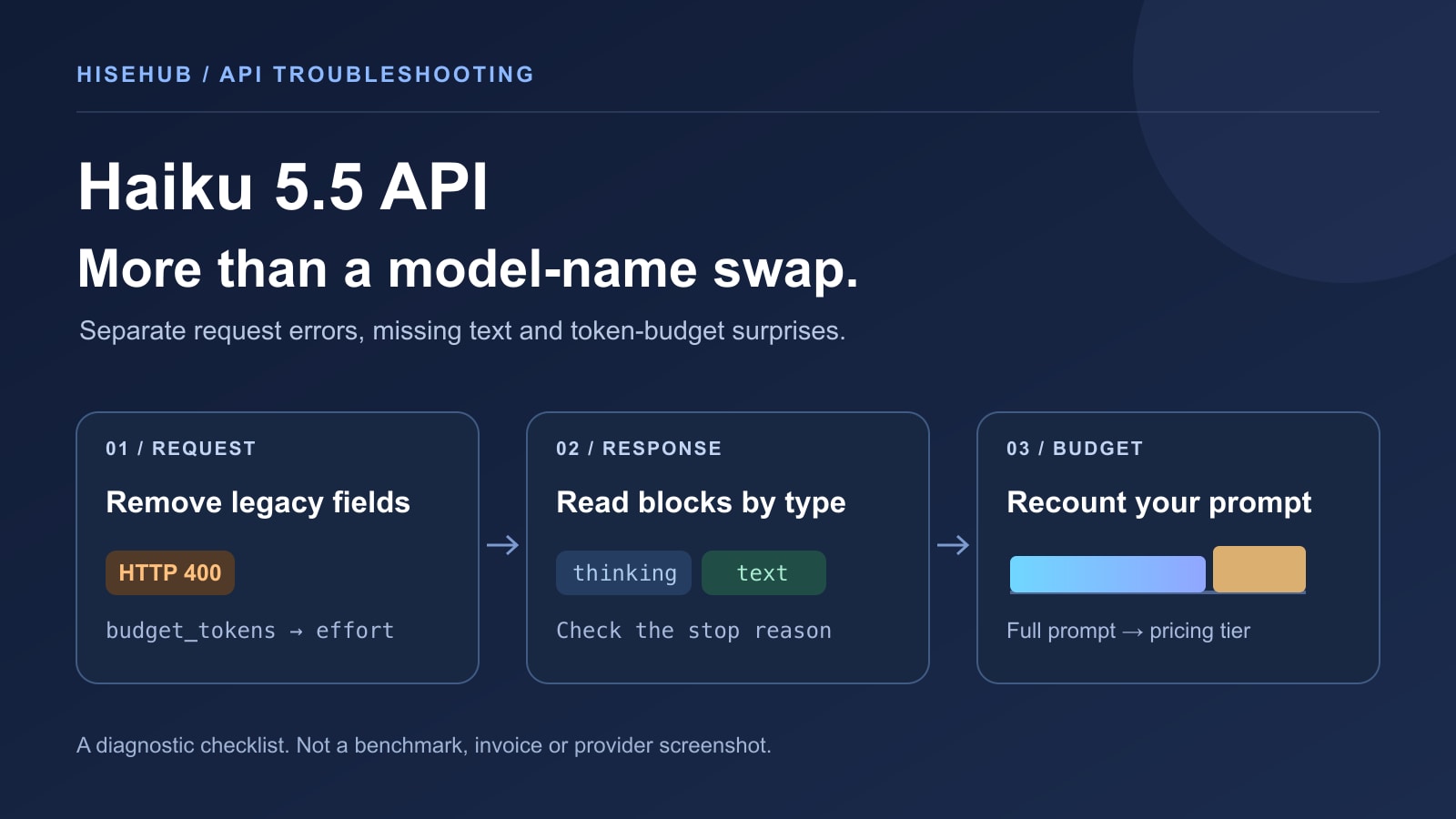
Claude Haiku 5.5 API Migration: Fix 400 Errors & Empty Replies
Diagnose Haiku 5.5 upgrade failures by separating invalid requests, response-block parsing, thinking budgets and the 100K pricing boundary. Includes a locally checked…
-

Ollama Out of Memory? Fix Model Loading and Long-Chat Crashes
Separate Ollama model-load failures, long-chat crashes and concurrent-request problems. A practical guide to logs, context, memory pools and safe fixes.
-

Claude Sonnet 5.5 vs Opus 5.5: Which Should You Use?
Compare the new Sonnet with Opus using task routing, reproducible cost examples and effort-level benchmarks—not a single launch-day winner.
Recently improved guides
One recently improved guide per product, based on explicit checks in the past 45 days.
-
Google AI Pro vs Ultra: Price, Limits, Storage, and Best Fit
Official documentation checked; no hands-on account test.
-
ChatGPT Credits: Features, Plan Usage & API Billing Explained
Official documentation checked; no hands-on account test.
-
Grok 4.7 API Pricing: Real Costs, Fast Mode & Plan Access
Official documentation checked; no hands-on account test.
-
Claude Code Using API Credits Instead of Your Subscription? Fixes
Official documentation checked; no hands-on account test.
The date describes the check shown here, not a new account test. A partial update does not replace the guide’s full-review date.
Not sure which AI plan fits?
Compare features, limits, and real monthly costs before you subscribe.
AI Updates
Curated changes worth checking
Official-source events; automatic candidates are filtered, deduplicated and labelled. Last source run: October 27, 2026 07:07 UTC. The homepage highlights one recent event per project; browse the tracker for the full history.
-
AnythingLLM v1.19.0
AnythingLLM v1.19.0 is listed as a stable release. Source notes: The same kind of built-in engine that ships with AnythingLLM Desktop can now run inside the container: Lemonade, the fully open-source local inference server from AMD, running your models with llama.cpp.; Pass your GPU into the container and the engine is accelerated on whatever hardware you have.; When it's turned on, Built-in becomes the default LLM provider during onboarding, with three models recommended for your hardware. HiseHub links the official source; rollout and compatibility remain source-specific.
Affects: Teams evaluating or operating AnythingLLM in a hosted or self-hosted workflow.
Action: Read the official notes first, check compatibility and backups, and verify the relevant plan, region or deployment before changing production.
-
n8n 2.44.7
n8n 2.44.7 is listed as a stable release. Source notes: core: Start sub-workflow error workflow when a pre-run check fails; Microsoft SharePoint Node: Fix the column mapper 403 and empty items in Map Automatically; Update certifi to 2026.10.19 in task runner HiseHub links the official source; rollout and compatibility remain source-specific.
Affects: Teams evaluating or operating n8n in a hosted or self-hosted workflow.
Action: Read the official notes first, check compatibility and backups, and verify the relevant plan, region or deployment before changing production.
-
Open WebUI v0.12.4
Open WebUI v0.12.4 is listed as a stable release. Source notes: 🎚️ Chat Controls saved per setting. A change in a chat's Controls, such as its system prompt or a parameter, now saves only that setting, so a copy of the chat open in another tab or on another device no longer wipes it with older settings.; ✍️ Note edits by text. The model can now edit a note by finding and replacing exact text instead of only by character offsets, picking one match or all of them and getting the positions and surrounding text back when a match is ambiguous.; 🛰️ MCP protocol 2026-07-28. MCP connections now also work with servers that speak the stateless 2026-07-28 protocol version, while older servers still connect through the earlier handshake. HiseHub links the official source; rollout and compatibility remain source-specific.
Affects: Teams evaluating or operating Open WebUI in a hosted or self-hosted workflow.
Action: Read the advisory, compare affected versions with your deployment, and prioritize a tested upgrade or mitigation.
-
Ollama v0.40.11
Ollama v0.40.11 is listed as a stable release. Source notes: ollama run` plays text or a chat model's reply aloud as the audio is generated, and apps can stream audio through the OpenAI-compatible `/v1/audio/speech` endpoint.; d3 brings vLLM Semantic Router's decision models to Ollama.; Give a model text, structured state, or an image, and ask it to classify, answer yes or no, or score options with probabilities. HiseHub links the official source; rollout and compatibility remain source-specific.
Affects: Teams evaluating or operating Ollama in a hosted or self-hosted workflow.
Action: Read the official notes first, check compatibility and backups, and verify the relevant plan, region or deployment before changing production.
-
v1.18.0 — Smarter Agent Routing, Portable Apps, Deeper Workflow Visibility
Dify 1.18.0 is listed as a stable release. Source notes: Dify 1.18.0 brings Agents that route workflows, portable app packages, deeper visibility into nested workflow runs, and the opt-in Agent Knowledge Base experience.; !IMPORTANT] > Read the upgrade guide below before deploying. Upgrade the API, workers, Agent Backend, and Agent runtime images together.; Local Agent sandboxes require a non-empty authentication token, and Agent Backend uses a new run protocol. HiseHub links the official source; rollout and compatibility remain source-specific.
Affects: Teams evaluating or operating Dify in a hosted or self-hosted workflow.
Action: Read the official notes first, check compatibility and backups, and verify the relevant plan, region or deployment before changing production.
These are short, source-linked notices rather than long news articles. Release status, compatibility and access can change; verify the official source before upgrading or changing a plan.