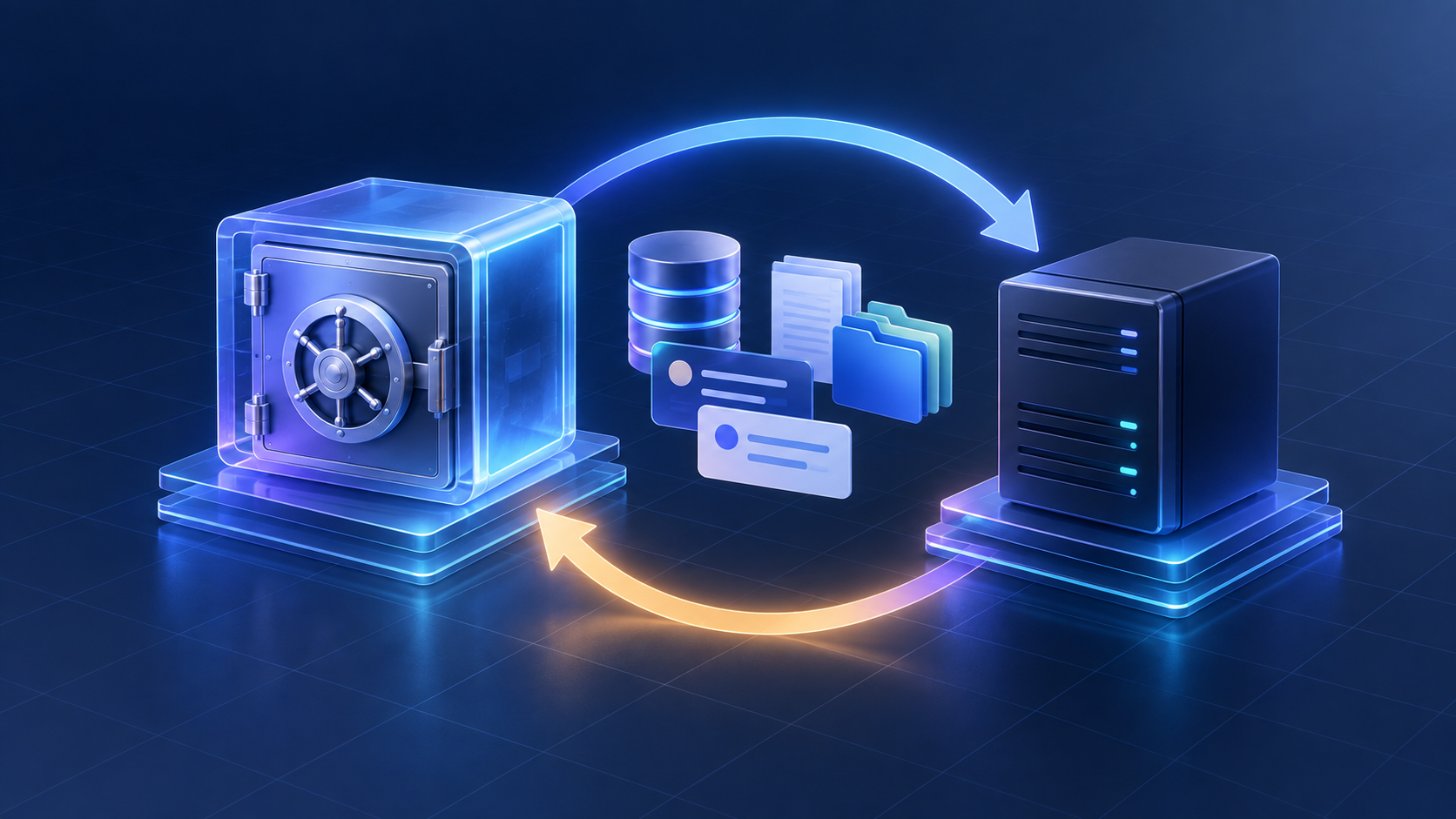
Open WebUI is easy to run until the day a volume is deleted, a database is copied while SQLite is still writing, or a restore brings back chats but not the files and settings that made them useful. A backup is not just an export button. It is a tested recovery path for the database, uploads, vector data, configuration, and the exact container version.
If you are still choosing a self-hosted interface, start with HiseHub’s self-hosted AI tools directory and then use this guide once Open WebUI is part of your deployment.
This guide separates the three jobs that are often confused:
- exporting conversations for portability;
- backing up the complete Open WebUI data volume; and
- restoring a working deployment without silently losing files, embeddings, or environment settings.
The short version
For a Docker deployment, stop the application, archive the mounted data volume, record the image tag and environment, and test the archive on a separate instance. If you use the bundled SQLite database, copy it only after Open WebUI is stopped so the WAL file is included. If you use PostgreSQL, take a PostgreSQL-native dump as well as a copy of uploads and vector data. A conversation JSON export is useful for moving chats, but it is not a full backup.
Open WebUI’s own update documentation recommends backing up the volume that contains the database, uploads, vector database, and generated content before an upgrade. Its SQLite maintenance notes are even more specific: stop the container before copying webui.db, and account for webui.db-wal and webui.db-shm files. The official docs are the authority for the current layout, so check them again when changing versions.
What must be backed up?
Think of a deployment as four layers:
| Layer | What it contains | What happens if it is missing |
|---|---|---|
| Database | users, chats, folders, settings, model records and permissions | the instance may boot as a blank or incomplete site |
| Uploads and generated files | documents, images, avatars, and generated content | chats remain but their attachments or outputs break |
| Retrieval data | vector database or embedded collections | file search returns incomplete or empty results |
| Deployment state | image tag, environment variables, reverse proxy and mounted paths | the data may be restored into an incompatible or inaccessible application |
The exact folders vary with the deployment method. A backup that contains only webui.db is therefore a database backup, not a complete Open WebUI recovery package.
Conversation export is for portability, not disaster recovery
Open WebUI provides chat export and import under Settings → Data Controls. The official data-controls documentation says an export can include messages, metadata, model information, and timestamps, and that Open WebUI, ChatGPT, and custom JSON formats can be imported.
That feature is valuable when moving selected conversations between instances or keeping a human-readable archive. It does not replace a volume backup:
- imports append conversations; importing the same file again can create duplicates;
- an export does not recreate users, permissions, folders, uploaded files, vector indexes, secrets, or provider configuration;
- an imported chat can refer to an attachment that is not present on the destination;
- an export is not a reliable rollback point for a broken upgrade.
Use conversation export as a second, portable copy of important work. Keep the full deployment backup for recovery.
Safe Docker backup with SQLite
This example is for an existing Docker Compose deployment that stores Open WebUI data in a named volume mounted at /app/backend/data. The words in angle brackets are placeholders, not literal values. First identify the real container, Compose service, volume and image in your own deployment. Confirm the chosen volume name appears in the inspect output at the expected data path, then verify it exists; a misspelled volume can otherwise produce an empty backup. If the inspect output shows a bind mount, use its verified host source path instead; do not use the named-volume command below.
set -eu
container='<existing-container-name>'
service='<existing-compose-service-name>'
data_volume='<existing-volume-name-confirmed-from-inspect>'
docker inspect --format '{{range .Mounts}}{{printf "%st%st%st%sn" .Type .Name .Source .Destination}}{{end}}' "$container"
docker inspect --format '{{.Config.Image}}' "$container"
docker volume inspect "$data_volume" > /dev/null
umask 077
docker compose config > open-webui.compose.protected.yml

# Stop the verified service before copying SQLite and its WAL files.
docker compose stop "$service"

# Archive the verified volume and check the tarball before restarting.
backup_dir="$PWD/backups"
mkdir -p "$backup_dir"
docker run --rm -v "$data_volume:/data:ro" -v "$backup_dir:/backup" alpine:3.20 sh -ec 'umask 077; archive="/backup/open-webui-data-$(date -u +%Y%m%dT%H%M%SZ).tar.gz"; tar -czf "$archive" -C /data .; test -s "$archive"; tar -tzf "$archive" > /dev/null; chmod 600 "$archive"; sha256sum "$archive"'

# Start the same service after the backup step.
docker compose start "$service"
Restart the service after the backup step, including when a command fails. If the archive command reports an error, do not call the backup successful; run docker compose start "$service" and confirm the application is available before troubleshooting. Keep the protected Compose output, image tag or digest, environment-file location and external-service list with the backup. These files can expose credentials: restrict their permissions, keep them outside the web root, and never publish or commit them.
Why the SQLite stop matters
SQLite can keep committed writes in a write-ahead log. Copying only webui.db while the application is running can miss recent changes or produce an inconsistent copy. Open WebUI’s maintenance guide therefore says to stop the application before exporting the database.
Keep these two recovery paths distinct. If you restore a complete stopped-volume snapshot, restore its database and any matching sidecar files together as one snapshot; do not mix them with files from another database. If you replace only webui.db with a standalone database export, remove stale webui.db-wal and webui.db-shm files that belong to the destination database before starting the imported database. Never delete matching files from the backup archive just because the destination-cleanup instructions mention them.
PostgreSQL deployments need two backups
When Open WebUI uses PostgreSQL, the database is no longer inside the webui.db file. Take a PostgreSQL-native dump with pg_dump or your managed provider’s backup tool, and separately protect the Open WebUI data directory that contains uploads, generated files, and any vector store used by your deployment.
pg_dump --format=custom
  --file="open-webui-postgres-$(date -u +%Y%m%dT%H%M%SZ).dump"
  --dbname="$DATABASE_URL"
Use a PostgreSQL-compatible connection string and a protected destination for the dump. Treat the database dump and the files/vector backup as one recovery set. Coordinate their capture while writes are stopped or use snapshots with a documented consistency point; otherwise the database and files can represent different moments. Restoring only PostgreSQL can bring back rows that point to files or embeddings that do not exist. Restoring only the volume can leave users, chats, or permissions missing.
Restore without making the incident worse
Restore to a temporary hostname or isolated port first. This makes it possible to verify the archive before replacing a working production instance.
- Choose a temporary hostname or isolated port and stop the destination service.
- Verify the target volume or bind mount, then make a separate copy of its current contents so rollback remains possible.
- Restore into the confirmed data path. Check the archive’s top-level paths first so you do not create a nested
data/datadirectory. - For a complete volume snapshot, restore the snapshot as a consistent set. For a standalone SQLite file, remove only stale destination WAL/SHM sidecars that belong to the old destination database before placing the imported file.
- Restore PostgreSQL from its native dump with the matching database user and schema procedure when applicable; restore related uploads and vector data from the same recovery point.
- Start the isolated instance on the same Open WebUI version used for the backup. Upgrade only after the restored instance passes checks.
- Verify login, representative chats, attachments, search/retrieval, model connections, roles, and permissions. Check logs for migration or filesystem errors.
- Keep the original copy until the test passes. Point the public hostname at the recovered instance only after verification; otherwise stop the test instance and return to the preserved destination.
Open WebUI’s update guide warns that restoring a volume replaces its contents. Treat the restore command as destructive: stop the container, verify the path twice, and keep the pre-restore copy until the test is complete.
A practical recovery test
A backup is only credible after a restore drill. Once per release or at least monthly, restore the newest archive to a disposable instance and record:
- time to restore and the archive checksum;
- the Open WebUI version and database engine;
- a test user’s login and a representative chat;
- an uploaded PDF or image and a file-search query;
- a generated file or image if your deployment uses generation;
- model/provider connectivity without exposing production secrets;
- user, folder, and admin permissions;
- the exact differences between the recovered and production configuration.
Do not judge success by “the homepage loads.” The most expensive failures are usually delayed: attachments are missing, retrieval indexes are stale, or a provider key is absent only when a real user submits a request.
Retention and security
Keep at least three recovery points: the newest backup, a previous known-good backup, and one copy outside the VPS. Encrypt archives that contain private conversations or uploaded documents. Restrict the backup directory, do not serve it from the web root, and avoid putting secrets in shell history or screenshots.
Use a retention policy that matches the data rather than a single forever-growing folder. For example, keep daily backups for a week, weekly backups for a month, and a monthly archive for a longer period. Before pruning, confirm that the remaining archives can be read and that at least one has passed a restore drill.
A checklist for the next upgrade
- [ ] Record the current image tag or digest and rendered Compose configuration.
- [ ] Confirm where the database, uploads, vector data, and generated files live.
- [ ] Export a few critical chats for portability.
- [ ] Stop Open WebUI before copying SQLite data.
- [ ] Back up the complete named volume or bind mount.
- [ ] Back up PostgreSQL separately when used.
- [ ] Calculate and store an archive checksum.
- [ ] Test the archive on an isolated instance.
- [ ] Upgrade the test instance first and inspect logs.
- [ ] Keep the rollback copy until the new version has been exercised.
Sources and scope
This guide follows the official Open WebUI documentation for chat import/export, SQLite maintenance, volume backups, and updating. Commands are intentionally generic because volume names, Compose files, database engines, and reverse proxies differ between installations. Check the official documentation and your own deployment configuration before running a destructive restore.
Revision note — September 23, 2026: clarified how to verify the actual Docker volume and archive, separated complete-volume recovery from importing a standalone SQLite file, and added a safer isolated restore checklist. This is a documentation-based guide; no restore drill was run against a live Open WebUI instance.
- Open WebUI: Import and export chats
- Open WebUI: Database maintenance
- Open WebUI: Updating and volume backups
Related HiseHub guides
- Self-hosted AI tools directory — compare Open WebUI with other interfaces and workflow projects.
- Open WebUI vs LibreChat vs LobeHub — compare the applications before choosing one to operate.
- Fix Open WebUI connections to Ollama — diagnose the model-runtime connection separately from backup recovery.
The useful takeaway is simple: export chats for portability, back up the whole data volume for recovery, and practice a restore before you need one.